.svg)
.png)
Credit Card Payments Have Met Their Match

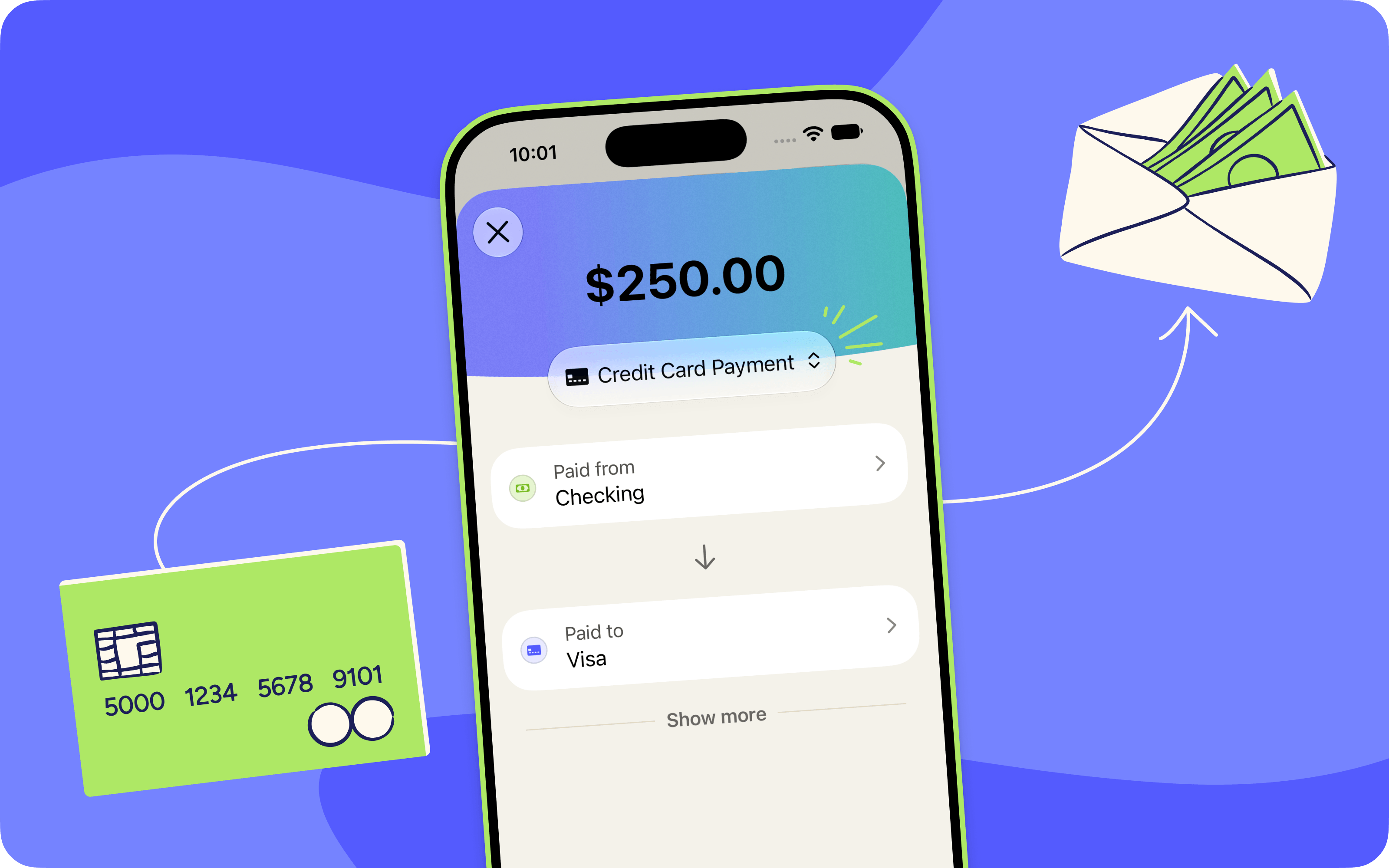
When you make a credit card payment, two transactions are imported: the money leaving your checking account and the payment posting to your credit card account. And connecting them used to be your job. YNAB needed a payee rule to link the two, and if you hadn't set one up yet, those transactions just sat there, waiting to be connected to their counterpart.
Now they can find their true match on their own! If the amounts line up within a few days and everything else we know about the two transactions agrees they belong together, we’ll link them for you. No rule required.
And that amount-matching solves a subtler headache, too. If you have two cards at the same bank, there's a good chance payments for both import under the same payee name. You know, something helpfully specific like AUTO PAYMENT THANK YOU. One payee name, two cards, and a rule that can only ever point at one of them. Now YNAB notices when a payee name is ambiguous, sets the rule aside, and matches by amount instead. The payment lands where the money actually went.
Read more about the thinking that went into making credit card payments smarter.
%20(1).avif)
We want you asking what your money is for, not asking why your credit card payments seem weird. So when you let us know they weren’t acting as expected, we got to work quietly teaching YNAB how to better handle credit card payments.
It's the kind of work you'd never notice, which is exactly the point. But we’re excited to share all the juicy details (if credit card payments can be juicy at all):
Two transactions become one
When you pay your credit card, two transactions are imported: money leaving your checking account, and money arriving at your card. And connecting the two used to be your job. YNAB needed a payee rule to link them, and if you hadn't set one up yet, those transactions just sat there, waiting to be connected to their counterpart.
Now, they find each other on their own! When both sides import within a few days of each other and the amounts line up, YNAB links them into one credit card payment. No rule required.
This shows up most if you're new to YNAB, if you've just added a card, or if your bank renames your payment every single month so a rule never sticks. (You know who you are, CAPITAL ONE PYMT 27-Jun.)
We check with your bank before matching
Turns out, matching on the amount alone isn’t always the right thing. A $10 refund on your card and a $10 transfer to a friend are the same number, and if we’re going on amounts alone, that would happily marry the two. So YNAB also takes some cues from how your bank categorized each transaction, and only connects the two when both signals agree this is a credit card payment.
Requiring both signals may result in slightly fewer automatic matches, but the ones we do make are far more likely to be right. A wrong match is much more irritating to undo than a match that never happened.
Your payment lands on the right card
Two cards at the same bank? There's a decent chance both of them import under the same name—usually something super helpful, like AUTO PAYMENT. As a result, sometimes your payment would quietly match with the wrong card, causing a few moments of chaos on your end when it was time to reconcile accounts.
Now YNAB notices when a name is ambiguous, sets the rule aside, and matches by amount instead, so the payment lands on the card that actually got paid.
Matching counts as approving
This one goes beyond credit card payments, but if you manually entered a transaction yourself, you shouldn't have to approve it again when the bank's version shows up.
By the time a match happens, you've already made every important decision. You entered the transaction, picked the category, and reflected on that spending. The match itself doesn't change your plan. Approving it again was redundant, so we took that extra step out.
Want to double-check a match? We added a new Matched search filter in the web app so you can see everything we've handled for you, and we’re working on bringing that to mobile soon too!
And we’ve got more in store
Credit card logic is an area of focus for us right now, which is a formal way of saying that we have a whole team of people thinking about your credit card payments so you won’t have to think about them more than necessary.
There's more on the way—and thanks for the feedback that helped make all of this happen!

Pocket Change
Here's what else has changed in YNAB since our last post:
- [iOS, Android] | We fixed a bug so paired loan categories now show up in your Spending Breakdown filters on mobile.
- [iOS, Android] | Mobile now respects your payee's auto-categorize toggle and default category, matching web.
- [iOS] | We fixed a bug that was causing Auto-Assign to sometimes show all zeroes in cases
- [iOS] | You can now share a referral with a QR code straight from the Share YNAB hub on iOS—no link-copying or contact info needed.
- [iOS] | Hit a net worth milestone? Share an image of your Net Worth progress right from the Reflect tab.

