.svg)
.png)
Give Your Priorities a Reset
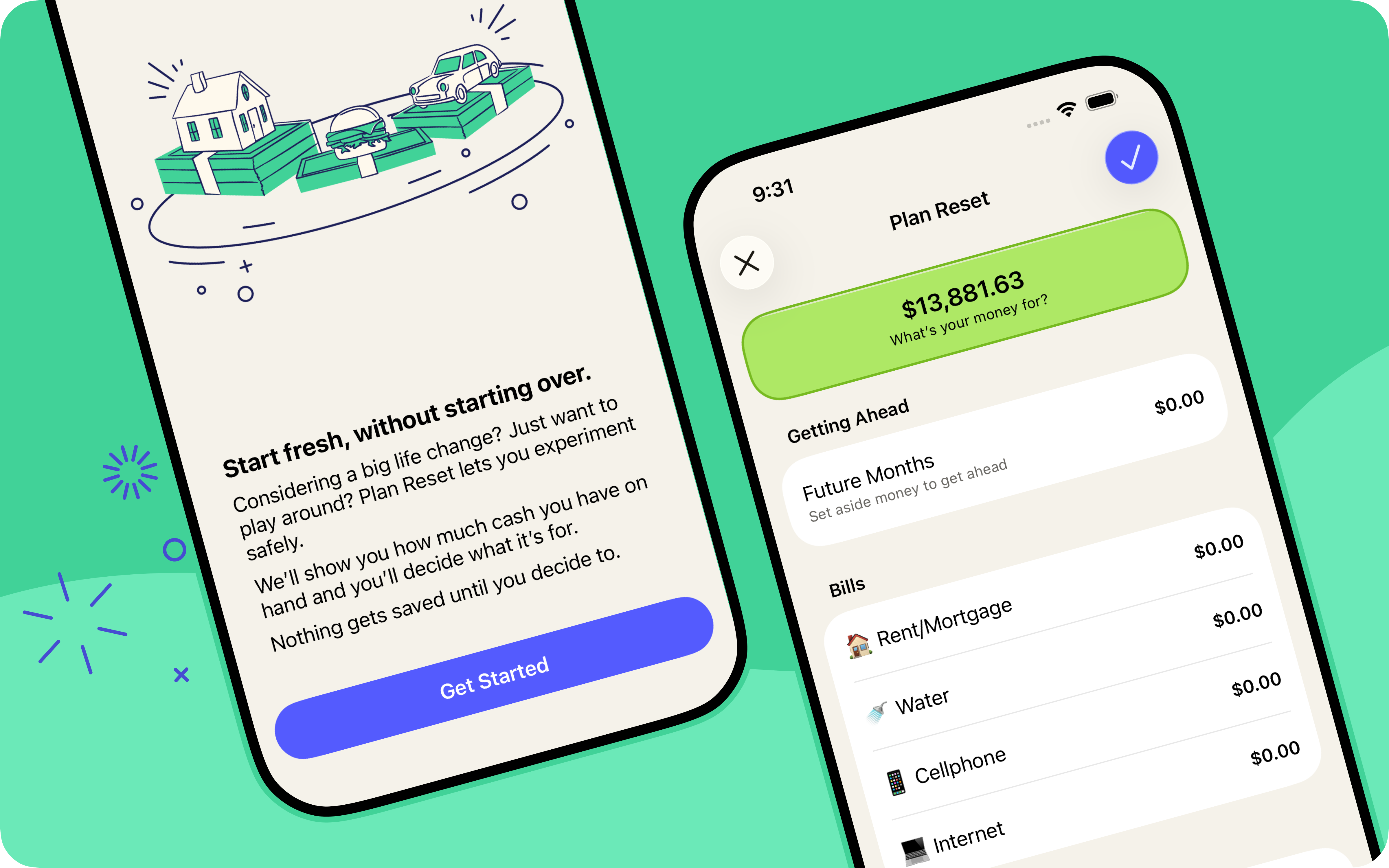
What’s your money for? It’s the most important question YNAB will ever ask you. But life moves fast—routines shift, new school years begin, and the answer you gave a few months ago might not be the one you’d give today. Enter: Plan Reset!
Plan Reset helps you update your answer to "What's it for?" without starting your plan from scratch. It pulls every available dollar back to Ready to Assign, so you can answer the question fresh, category by category. And it's built to be low stakes: nothing is saved until you say so and you can always undo it if you change your mind. Plan Reset only moves money you haven't spent yet, so no category is left overspent. Once you've landed on your new priorities, update your monthly targets to keep them going forward. Think of it as a seasonal reset—a low-friction way to keep asking, "What's it for?"
%20(1).avif)

Pocket Change
Here's what else has changed in YNAB since our last post:
- [iOS, Android, Web] We’ll now automatically recognize and link credit card payments with their checking-account counterpart, even when the payee renaming rule doesn’t yet exist.
- [iOS, Android, Web] Matched transactions are now approved automatically, so there's one less step when reconciling your accounts. And to help you figure out if a transaction was matched with a previously entered one, we’ve also added a matched search filter on the web.
- [iOS, Android, Web] | We fixed an error that could leave you stuck when troubleshooting a lost bank connection.
- [iOS, Android] | The Plan tab got way fancier under the hood. Same tab, snappier feel.
- [iOS, Android] | Sharing has never been easier, or more rewarding! Go to the More menu >Share & Earn for quick access to referrals, gift subscriptions, and tips for sharing IRL.
- [iOS] | After credit card spending, a new "learn more" prompt can help you better understand how money moves from your spending category to your credit card payment category.
- [Android] | You can now share a referral with a QR code straight from the Share YNAB hub on Android—no link-copying or contact info needed.
- [Android] | Match details now have a dedicated screen, allowing you to review matched transactions with more focus.
- [Android] | When making a transfer to a loan account that has a paired category, the app now makes it clearer from the start that you must use the paired category.
- [Web] | Progress bars have a fresh new look that matches the mobile apps.
- [Web] | Paying off a loan now kicks off a shareable celebration of your win.

