.svg)
.png)
Check Your Income vs. Spending on Mobile
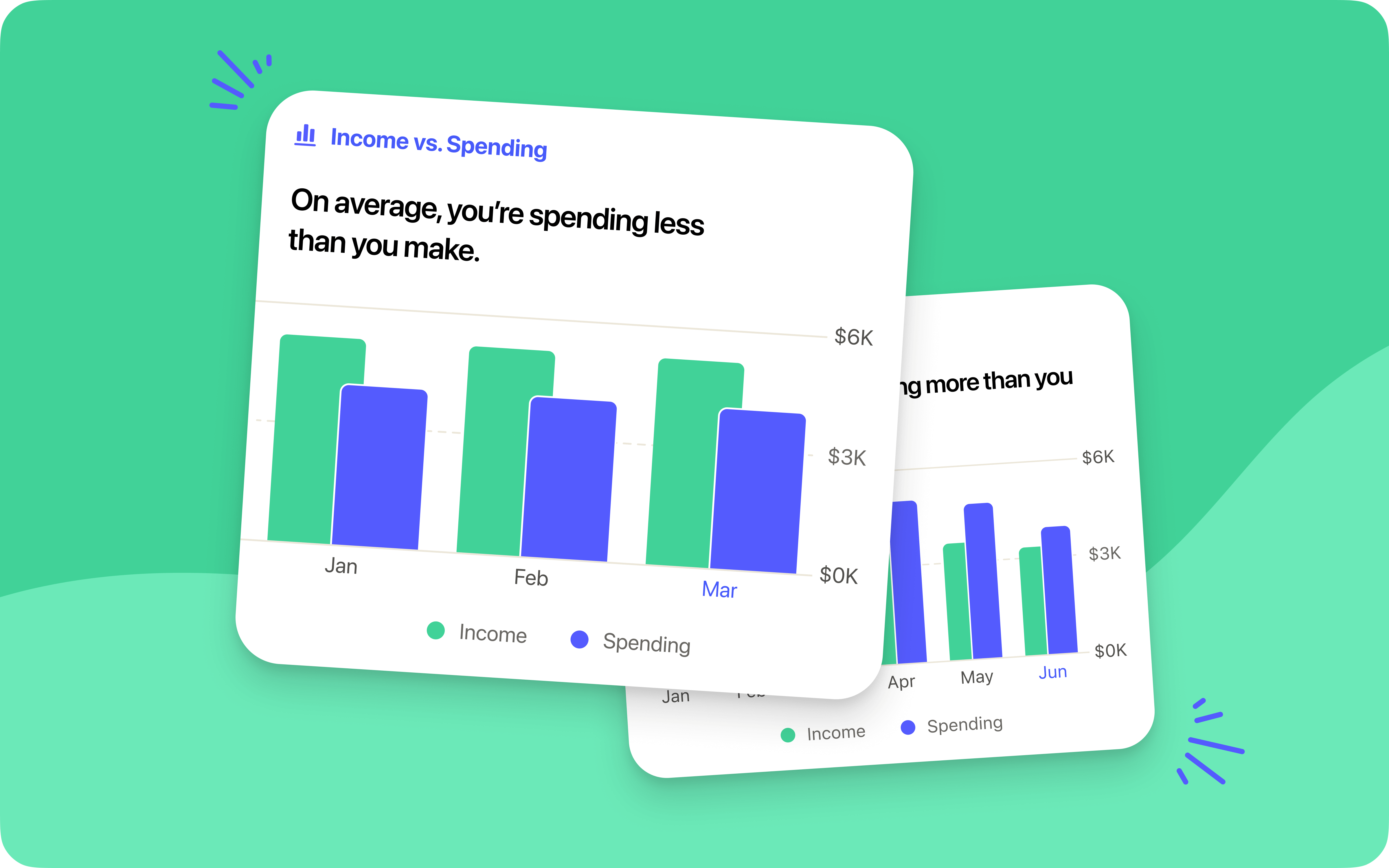
You already have access to Cost to Be Me, which compares the total of your targets to your expected income. That’s the plan. But how did you actually do keeping your spending on track? The new Income vs. Spending insight in the Reflect tab shows you at a glance how you did. With a simple bar graph of the last six months, you can see when you spent more, less, or right in line with what you brought in. No need for math or guesswork. The Reflect tab is built to help you make informed choices about how to adjust your plan.
%20(1).avif)

Pocket Change
Here's what else has changed in YNAB since our last post.
•[iOS] Now you can filter your transactions based on whether or not they have a flag, so it’s easier to focus on what needs your attention.
•[iOS, Android] We fixed a bug that was causing a misalignment between the funding status of your current goal on the Home screen and that same category’s status in the plan tab.
•[Android] You can now search by category, payee, flag, memo, and more on Android! We’ve added smart suggestions, combinable filters, and multi-select with totals—so you can find exactly what you’re looking for, fast.
•[Web] We’ve brought the link to manage your bank connections right to the bottom of your accounts list, so you can wrangle those bank connections more quickly and easily.

